See every feature in detail
Explore Features
Stock You Can Actually Trust, Down to the Device
Every item in Gadgets POS is real-time stock, not an estimate. IMEI and serial-numbered devices are tracked from the supplier you bought them from to the customer they were sold to, and lab stock is tracked separately from what's on the shelf.
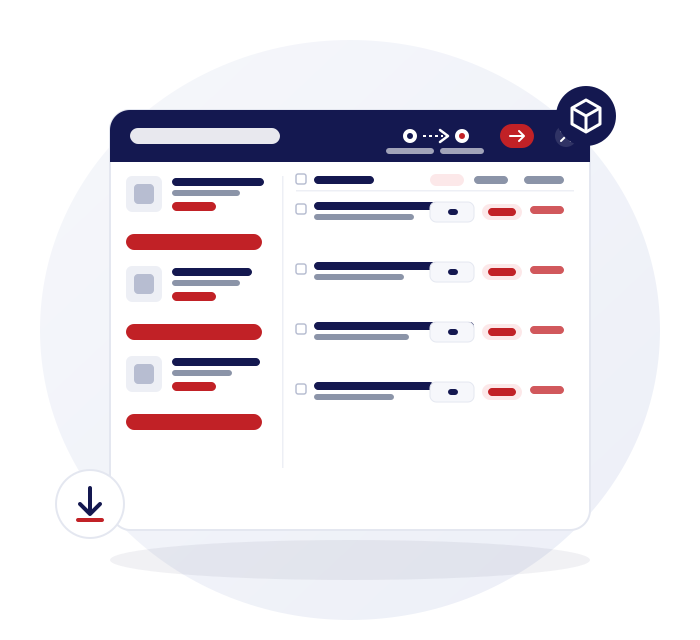
Serialized Stock, Fully Traced
Not just a quantity on a shelf — every serialized item has a story you can pull up on demand.
Serialized inventory, fully traced
Every IMEI or serial-numbered item is tracked from the supplier you bought it from to the customer it was sold to.
Trade-in device tracking
Every device you take in trade is logged against the customer you got it from, with a record of where it went next.
Barcode generation & printing
Print barcodes for stock that doesn't come with one.
Real-time stock, FIFO costing
Accurate cost of goods as stock moves in and out.
Reserved vs. Available, Always Visible
Stock held for a job isn't stock you can sell — and now you can see the difference at a glance.
Reserved vs. available
See what's held for a job versus what's actually sellable, with a full audit trail.
Lab stock, tracked in detail
Parts and lab items carry their own stock levels and usage history, separate from sellable inventory.
Out of stock report
See everything that's out of stock in one place, and download the list to reorder.
Stock movement & category reports
Track how stock moves and performs across categories.
Share Stock Between Branches, Without a Spreadsheet
Got a part in one branch and a repair in another? Move it without a phone call.
Share stock between branches
Send stock from one branch to another — it lands as stock on the receiving branch's POS automatically, no re-entry.
Branch-level reporting
Every report can be filtered down to a single branch or rolled up across all of them.
Purchase Order Note — auto restock forecasting
Pick a date range and it tells you how much of each product you'll need to buy, based on actual sales history.
Branded PDF & CSV exports
Every stock report exports cleanly, ready to send or file.
All the Answers You're Looking For
Can I track a device's full history by its IMEI?
Does stock update automatically across branches?
What's the difference between reserved and available stock?
Is lab stock tracked separately from sellable stock?
Can I download a list of everything that's out of stock?
How does the Purchase Order Note decide what to reorder?