See every feature in detail
Explore Features
From Order to Shelf, Tracked End to End
Create and track purchase orders against your suppliers, know exactly what's owed with a running ledger, and let Gadgets POS tell you what to buy next based on what you've actually sold — not a guess.
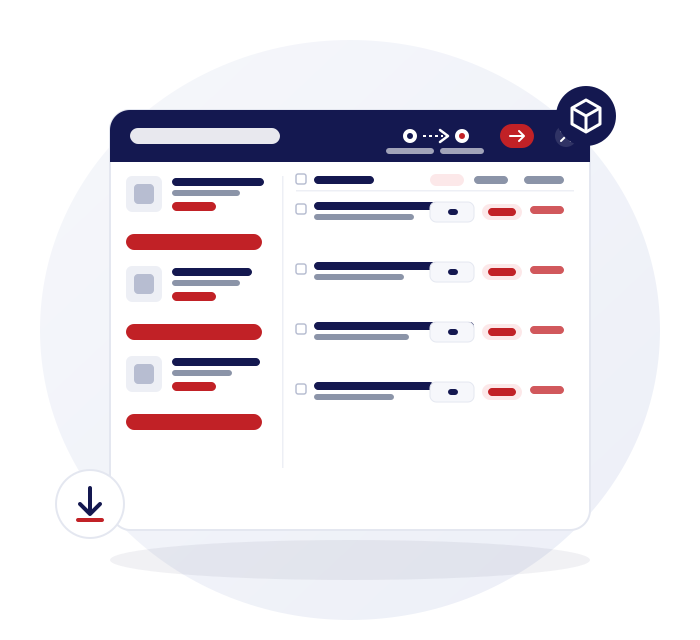
Purchase Orders That Stay in Sync With Stock
A purchase order isn't a static document — it's connected to the stock it eventually becomes.
Purchase orders
Create, edit, and track POs against your suppliers.
Stock receiving
Receive stock directly against an open purchase order.
Returns to supplier
Send stock back to a supplier and keep it on the same record as everything else you've bought from them.
Barcode generation & printing
Print barcodes for newly received stock that doesn't come with one.
One Ledger, Every Supplier
Every purchase, payment, and return against a supplier lands in one running ledger.
Supplier ledger & balance
Every purchase, payment, and return against a supplier lands in one running ledger, so you always know what's owed.
Supplier payment logs
See exactly what's been paid and when, per supplier.
Branded PDF & CSV exports
Export supplier statements and purchase records cleanly, ready to send or file.
Daily & business expenses
Log purchasing-related expenses alongside the rest of your business costs.
Auto Restock Forecasting, Built In
Stop guessing what to reorder — let actual sales history tell you.
Purchase Order Note — auto restock forecasting
Pick a date range and it tells you how much of each product you'll need to buy, based on actual sales history.
Out of stock report
See everything that's out of stock in one place, and download the list to reorder.
Reserved vs. available
See what's already held for a job before deciding how much more to order.
Stock movement & category reports
Track how stock moves and performs across categories, to inform what you buy next.
All the Answers You're Looking For
Can I track what I owe each supplier?
Does receiving stock update inventory automatically?
Can I send stock back to a supplier and keep a record of it?
How does the Purchase Order Note decide what to reorder?
Can I export supplier statements?
Can I see purchasing history across all my branches?