See every feature in detail
Explore Features
Nothing Falls Through the Cracks Between Sale and Completion
Every order — sale, repair, credit, or in-progress — lives on one live board that every member of staff sees the same way. Define your own stages, drag orders between them, and know nothing is sitting forgotten in a separate list.
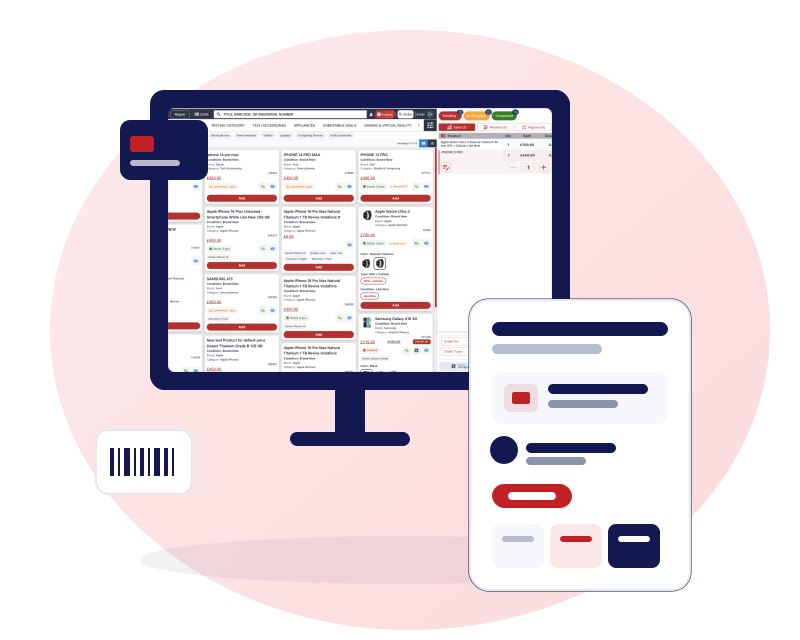
Define Your Own Process, Stage by Stage
Pending → In Progress → Completed is the default. It doesn't have to be the limit.
Define your own process stages
Add, rename, or reorder stages to match how your shop actually runs a job.
Kanban order board
Drag orders between stages, reorder within a stage, all staff see the same live board.
Custom order types & workflows
Tailor repair workflows and order types to how your shop actually works, at no extra cost.
Branch-level boards
Each branch works its own board, on its own stages, without stepping on another location's orders.
Credit and In-Progress Orders, on the Same Board
A job that's still in progress or a customer paying on credit shouldn't disappear into a separate list you forget to check.
Credit orders & in-progress orders, managed
Credit accounts and jobs still in progress live on the same board — nothing waits in a separate list you forget to check.
Technician & priority, visible on the card
See who's doing the work and how urgent it is without opening the order.
Expected delivery dates
Set and track a promised return date per job, right on the board.
Document uploads per order
Attach warranty slips, ID, or proof of purchase directly to an order.
If Something Fails, You'll Know — Not Guess
A checkout that fails silently is worse than one that fails loudly and tells you what to do next.
Built-in retry on failure
If a stock update fails mid-checkout, it's flagged and retryable — nothing breaks silently.
One receipt, every order type
Sale, return, replace, trade-in, and repair all resolve onto the same order and receipt.
Real-time board, every device
Whoever moves a card, every other screen watching the board updates immediately.
Sale By Repair reporting
See how orders that pass through the repair stage actually perform, revenue and technician included.
All the Answers You're Looking For
Can I customise the order workflow stages for my shop?
Do credit orders show up on the same board as regular orders?
What happens if a stock update fails during checkout?
Can I attach documents like ID or warranty slips to an order?
Does every member of staff see the board update in real time?
Can each branch have its own workflow board?